
Your electric bill jumped, and you can’t tell if it’s the dryer, the AC or something humming all night. For most homes, the free Emporia app with a $199.99 Vue 3 monitor is the best value among home energy monitoring apps to cut monthly bills.
Below you’ll find a cost chart, my two-month test notes, and a setup plan that pays off.
Why I Started Looking (and What I Actually Tested)
My interest started the same way yours probably did: a higher electricity bill and no idea what each appliance cost to run. I wanted to see my household’s electricity use clearly and find out whether home energy monitoring apps to cut monthly bills could turn that data into something I’d act on.
Here’s what I did:
- Hands-on: I used the IAMMETER Home Energy Monitor app for two months on an Android phone. I also tried HomeWizard Energy.
- What I checked: how easy setup was, whether the usage reports made sense, and whether I could estimate costs with my own tariff.
- Researched, not tested: the other eight picks. They’re marked below.
The truth is, the app is only half the story. Most of these apps need a sensor in your breaker panel or a smart plug, so the real price is hardware + subscription + install.
Quick Cost Chart
Here’s how the ten home energy monitoring apps to cut monthly bills compare on real cost. The national average residential rate was about 18.8 cents per kWh in April 2026, so even small leaks add up.
|
# |
App |
Hardware Needed |
Starting Cost |
Subscription |
Detail Level |
|---|---|---|---|---|---|
|
1 |
Emporia Energy |
Vue 3 panel monitor |
$199.99 (16 sensors) |
None |
Each circuit |
|
2 |
IAMMETER |
WEM3080 meter |
$68 |
Free Basic cloud |
Whole home |
|
3 |
HomeWizard Energy |
HomeWizard meter or socket |
Varies |
Energy+ €0.99/month |
Each device |
|
4 |
Sense |
Sense monitor |
$299 |
None |
Guessed per device |
|
5 |
Shelly Smart Control |
Shelly EM Gen3 |
About €58 |
None |
1 or 2 circuits |
|
6 |
Home Assistant Energy |
Any supported sensor |
Free software |
None |
Whatever you add |
|
7 |
Tapo |
P115 smart plug |
About $10 to $15 |
None |
One plug |
|
8 |
Eve (Apple Home) |
Eve Energy plug |
About $35 to $40 |
None |
One plug |
|
9 |
Your utility app |
Smart meter |
Free |
None |
Whole home, delayed |
|
10 |
MyEyedro |
EYEDRO-HOME |
$139 (sale) |
None |
Whole home |
Key takeaway: if you want to know which appliance costs the most, you need circuit or plug data. Whole home totals tell you when you spend, not what.
The 10 Best Home Energy Monitoring Apps to Cut Monthly Bills
1. Emporia Energy (Researched)
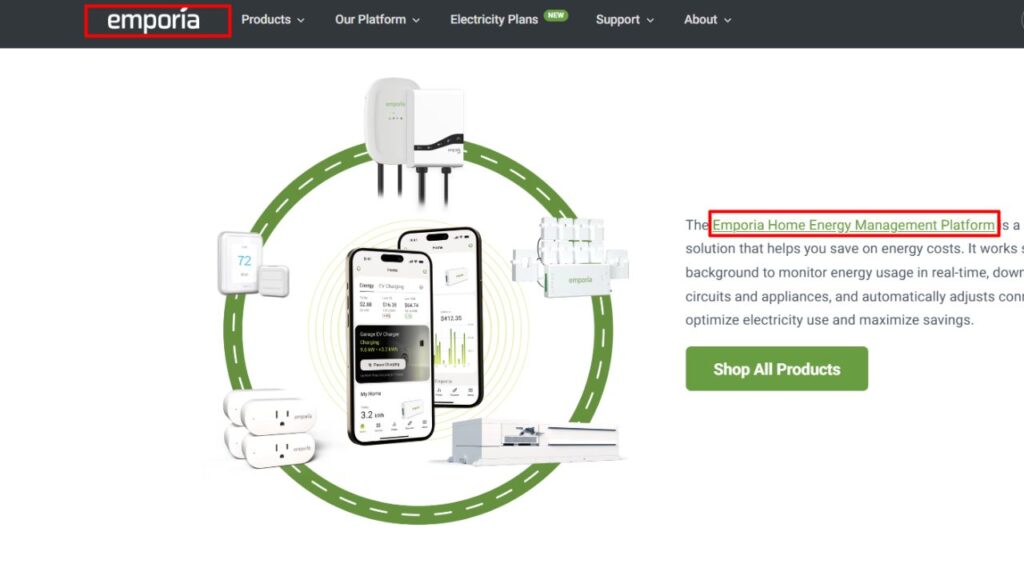
Emporia gives you the most detail per dollar. The Vue 3 kit includes two 200A main sensors and sixteen 50A clamps, so each breaker gets its own line in a free app with no subscription. Picture this: your “mystery” 2 a.m. spike shows up on the basement dehumidifier circuit you labeled, with the cost next to it.
Real flaws owners complain about:
- One-second data only shows while the app is open and is kept for just 3 hours. After that, you get minute and hour data.
- It runs only through the cloud, and the clamps need room in a crowded panel. Trimming the sensor cables is fiddly.
Who Should Skip This: anyone who isn’t comfortable opening a breaker panel and won’t pay an electrician.
2. IAMMETER (Hands-on, 2 Months)
This is the one I lived with on Android. As a home energy monitoring app, IAMMETER is built for people who want hard numbers: power, energy, voltage and solar stats, with export and local options like MQTT and Home Assistant. The single-phase WEM3080 dropped to $68 with the basic cloud included, and the split-phase WEM3050T lists at $119.
Real flaws:
- It tracks the whole home or a few circuits, not individual appliances.
- The plan names are confusing. Older WEM3050T listings promised only 3 to 6 months of free cloud, while newer pages say Basic is free for life and Pro costs $60 for 5 years.
Who Should Skip This: people who want a simple “your fridge costs $9” style breakdown.
3. HomeWizard Energy (Hands-on)
HomeWizard stood out to me for its real time usage for each device and how easily it compares days and months. The app is free and lets you enter fixed, variable or dynamic tariffs. Here’s the catch: you need HomeWizard hardware, and features like standby usage, alerts for odd usage and storage past 12 months sit behind Energy+, at €0.99 a month or €11.95 a year.
Real flaws:
- Its total cost made it less convenient for my home than I’d hoped. You buy HomeWizard hardware first, and the deeper features add a subscription.
- The hardware is built mainly around European meters and outlets. Cancel Energy+, and graph data older than 12 months is deleted.
Who Should Skip This: US homeowners and anyone on a tight budget.
4. Sense (Researched)
Sense tries to spot each appliance from one pair of clamps using machine learning. It costs $299, has no subscription, and comes with a 120-day money-back guarantee in the US and Canada. When it works, it’s impressive.
Real flaws:
- Detection can take weeks and may mix up devices with similar wattage. Some never get found.
- Many buyers need an electrician to install it.
Who Should Skip This: anyone who wants clear per-appliance numbers on day one.
5. Shelly Smart Control (Researched)
Shelly is the tinkerer’s budget pick. The Shelly EM Gen3 supports two clamps (one 50A clamp included) and costs about €58 in Europe, and the free Shelly Smart Control app can switch loads off based on usage.
Real flaws:
- The Pro 3EM mounts on a DIN rail, which most US breaker panels don’t have.
- The app covers a whole smart home, so energy reports feel less focused than Emporia’s.
Who Should Skip This: people who don’t want to script or automate anything.
6. Home Assistant Energy Dashboard (Researched)
Home Assistant’s Energy dashboard is free and pulls in almost any monitor, plug or solar inverter it supports. It’s the best way to see Emporia, Shelly, and smart plug data in one place, with your tariff and costs.
Real flaws:
- You need a home server, like a Raspberry Pi or a Home Assistant Green box. A new setup looks empty at first because stats build hourly.
- Settings move around between updates. In August 2026, users on the forums asked where the “Individual devices” option had gone.
Who Should Skip This: anyone who wants a phone app that works in five minutes.
7. Tapo with the P115 Plug (Researched)
The cheapest way to start. The Tapo P115 is a small 2.6 x 1.5 x 1.6 inch plug that tracks energy and estimates your bill, including time-of-use rates. It’s perfect for checking a space heater, a gaming PC, or an old fridge.
Real flaws:
- It maxes out at 15A and 1,800W on a 120V outlet. It can’t read a 240V dryer or AC.
- It connects only on 2.4 GHz Wi-Fi.
Who Should Skip This: people who need a full picture of the house.
8. Eve App with Eve Energy (Researched)
On the flip side, Apple households get a privacy-focused plug with no Eve account and no Eve cloud. It works with the Home app over Matter and Thread, so it fits a setup like the one in our Apple smart home app guide.
Real flaws:
- For remote control, you need a home hub like a HomePod mini or Apple TV 4K.
- At around $35 to $40 a plug, covering several devices gets pricey.
Who Should Skip This: Android-only homes.
9. Your Utility’s App and Green Button Data (Researched)
Your smart meter may already track you, for free. Many utilities offer Green Button “Download My Data,” and some, like SDG&E, provide up to 13 months of hourly or 15-minute data.
Real flaws:
- Hourly data usually shows up a day later, so you can’t catch a problem live.
- It can’t tell the oven from the AC.
Who Should Skip This: nobody. Check it before you buy anything.
10. MyEyedro (Researched)
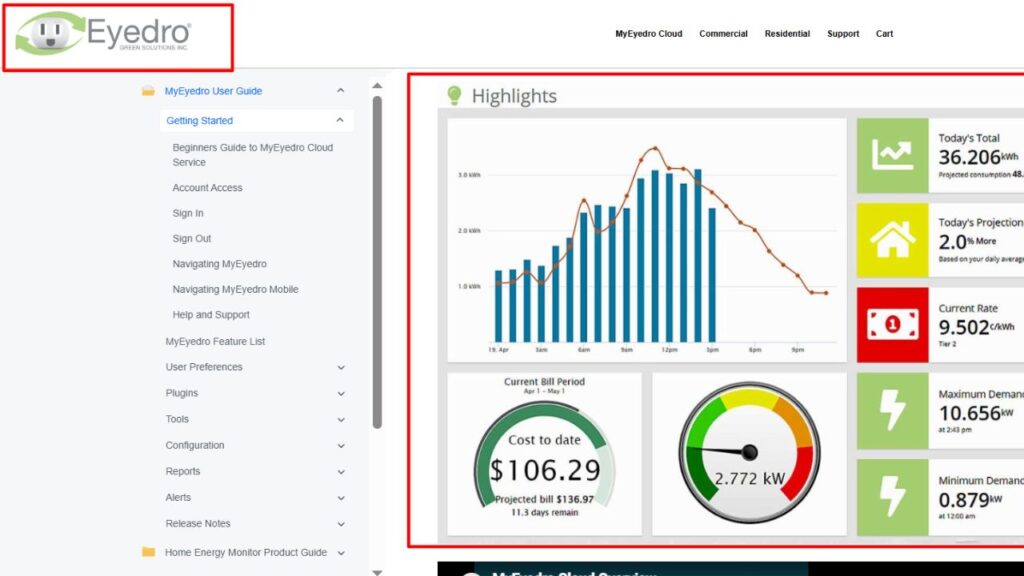
Eyedro is a simple whole-home monitor for 120/240 V homes in the US and Canada. The EYEDRO-HOME sells for $139 on sale, includes a 10-foot Ethernet cable and two clamps, and its MyEyedro cloud has no subscription fee.
Real flaws:
- Two sensors only, so no circuit-by-circuit breakdown.
- Solar homes need a second unit to track both use and generation.
Who Should Skip This: anyone who wants per-appliance detail.
How to Actually Cut Your Bill With These Apps
Now, you might be wondering how a chart turns into savings. Home energy monitoring apps to cut monthly bills only work if you act on one number at a time. Follow this order:
- Enter your real tariff, including time of use windows. The national average won’t match your bill.
- Find your base load. Check usage at 3 a.m. The Department of Energy says standby power can make up 5% to 10% of home electricity use.
- Target the biggest circuit first, usually AC, water heating or a dryer.
- Shift heavy loads to off-peak hours if your plan has them.
- Recheck after 30 days against the same month last year.
That brings us to the biggest mistake people make: buying a $300 monitor before checking free utility data. Big mistake. Start free, then upgrade.
If you have solar or plan to add it, pick an app with net metering, like Emporia, IAMMETER or Eyedro. Our breakdown of the cost of solar energy helps you check whether the payback makes sense.
Frequently Asked Questions (FAQs)
Do home energy monitors really save money?
Only if you change habits. The monitor shows where power goes. Savings come from fixing standby loads, shifting heavy loads and replacing old appliances.
Is there a free app to monitor home electricity use?
Yes. Your utility’s app or Green Button data is free, and Home Assistant’s Energy dashboard is free software. You still need a sensor for live data.
Can an app tell which appliance uses the most power?
Only with circuit sensors, smart plugs, or detection like Sense uses. A whole-home monitor shows total use, not each device.
Do I need an electrician to install an energy monitor?
Panel monitors like Emporia, Sense, and IAMMETER clamp inside your breaker panel. If you’re not trained, hire a licensed electrician. Smart plugs need no installation.
How much does a home energy monitor cost?
From about $10 for a smart plug to $299 for Sense. Most panel monitors cost $68 to $200.
Final Thoughts
The best home energy monitoring apps to cut monthly bills are the ones that match your home and budget. Start with your utility’s free data, add a $10 plug to test your worst appliance, and step up to Emporia or IAMMETER when you want the full picture. Then check your next bill.