
Nothing ruins a clutch play faster than a recorder that drops your frame rate or forgets to save the clip. OBS Studio is the best game recording software for PC gamers overall, but the free NVIDIA App or AMD Adrenalin recorder is the smarter pick if you just want instant clips.
Below: a comparison chart, honest flaws for all 10 tools, and a storage cheat sheet.
Quick Comparison: Game Recording Software for PC Gamers
Here’s the short version. The table sorts each tool by what it’s actually good at, so you can skip straight to your match.
|
Tool |
Price |
Best For |
Instant Replay |
Biggest Flaw |
|---|---|---|---|---|
|
OBS Studio |
Free |
Full control, YouTube |
Yes (manual setup) |
Steep learning curve |
|
NVIDIA App |
Free |
RTX owners |
Yes |
NVIDIA GPUs only |
|
AMD Adrenalin |
Free |
Radeon owners |
Yes, up to 20 min |
No OpenGL games |
|
Medal |
Free + Premium |
Auto clips, sharing |
Yes |
Watermark on free downloads |
|
Steam Game Recording |
Free |
Steam players |
Yes |
Can’t record desktop |
|
Xbox Game Bar |
Free |
Zero setup |
Up to 10 min |
One app at a time |
|
Bandicam |
From $33.26/yr |
Long sessions |
No |
Windows only |
|
Action! |
$29.95 lifetime |
Low-fuss paid tool |
Yes (Time Shift) |
Paid, Windows only |
|
Streamlabs Desktop |
Free + Ultra |
Streamers |
Yes |
Heavier on RAM |
|
Outplayed |
Free with ads |
Auto highlights |
Yes |
Needs Overwolf |
Key takeaway: if your GPU maker already gives you a free recorder, start there. Pay only when you hit a real wall.
What Actually Matters Before You Pick
Most lists rank game recording software for PC gamers by feature count. Big mistake. Three things decide whether your footage looks clean and your game stays smooth.
- The encoder. Hardware encoders (NVIDIA NVENC, AMD AMF, Intel Quick Sync) use a separate chip on your GPU. Your CPU stays free for the game.
- Instant replay. A rolling buffer saves the last few minutes after something happens. You’ll use it far more than full recording.
- Storage. High bitrates fill drives fast. More on that math below.
Now, you might be wondering about codecs. AV1 gives better quality at the same file size as H.264, but it needs an RTX 40 series card or newer, or a Radeon RX 7000 series or newer.
The 10 Best Game Recording Software for PC Gamers
1. OBS Studio — Best Overall
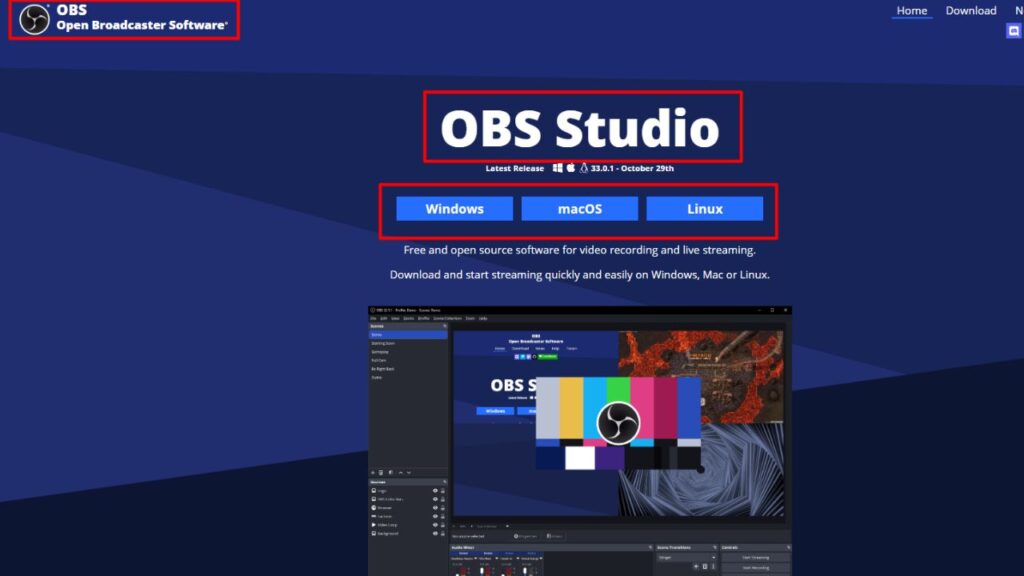
OBS is free, open source, and runs on Windows, macOS, and Linux. Version 32.2 landed in July 2026 with a cleaner “Add Source” window, and it’s still the tool most YouTubers and streamers trust. No other free game recording software for PC gamers gives you scenes, webcam overlays, and separate audio tracks for game, mic, and Discord.
You’re editing a highlight, and your friend’s loud chewing is baked into the game audio. With OBS multi-track recording, you just mute that track. Done.
Real flaws owners complain about:
- The setup takes real effort. Replay Buffer is off by default and buried in Output settings.
- Game Capture sometimes shows a black screen in certain games, forcing a switch to Display Capture.
- New NVENC builds need NVIDIA driver 570 or newer, so outdated drivers break recording.
Who Should Skip This: anyone who wants to press one key and never open a settings menu.
2. NVIDIA App (ShadowPlay) — Best for RTX Owners
ShadowPlay now lives inside the NVIDIA app, and it’s the lightest option for GeForce cards. Press Alt+Z for the overlay, Alt+F9 to record, and Alt+F10 to save a replay. The July 2026 update (version 11.0.8) added 240 FPS recording for RTX 40 and 50 series cards.
Here’s the catch: 4K at 240 FPS only works on cards with two NVENC encoders, like the RTX 4070 Ti, RTX 5070 Ti, and up. Single-encoder cards top out at 1440p for 240 FPS.
Real flaws:
- Instant Replay can quietly switch off when protected video or some Discord streams are running.
- 240 FPS files get huge fast, and a slow hard drive can stutter.
- Audio controls are basic compared to OBS.
Who Should Skip This: AMD and Intel GPU owners. It simply won’t run.
3. AMD Software: Adrenalin Edition — Best for Radeon Owners
Radeon users get the same idea for free. Search “Record” inside AMD Software to open Record & Stream. Instant Replay keeps up to 20 minutes, adjustable in 15-second steps, and newer RDNA 3 and RDNA 4 cards can record in AV1.
Real flaws:
- It won’t record OpenGL games, VR headset play, or protected content.
- Laptop OEM driver packages sometimes ship without Record & Stream at all.
- AMD’s own 26.6.1 notes listed texture flicker in Battlefield 6 while recording.
Who Should Skip This: players who mostly run older OpenGL titles.
4. Medal — Best for Auto Clips and Sharing
Medal records every game by default and can auto-clip kills and wins in supported titles. You get a share link right away, which is perfect for Discord.
On the flip side, the free plan has limits. Downloads carry a watermark, uploads cap at 1080p and 20 minutes, and Premium removes those caps.
Real flaws:
- Always-on recording eats disk space unless you trim the buffer.
- The app is ad-supported and leans hard on its social feed.
Who Should Skip This: long-form YouTubers who need hour-long, full-quality files.
5. Steam Game Recording — Best Built-In Option for Steam Players
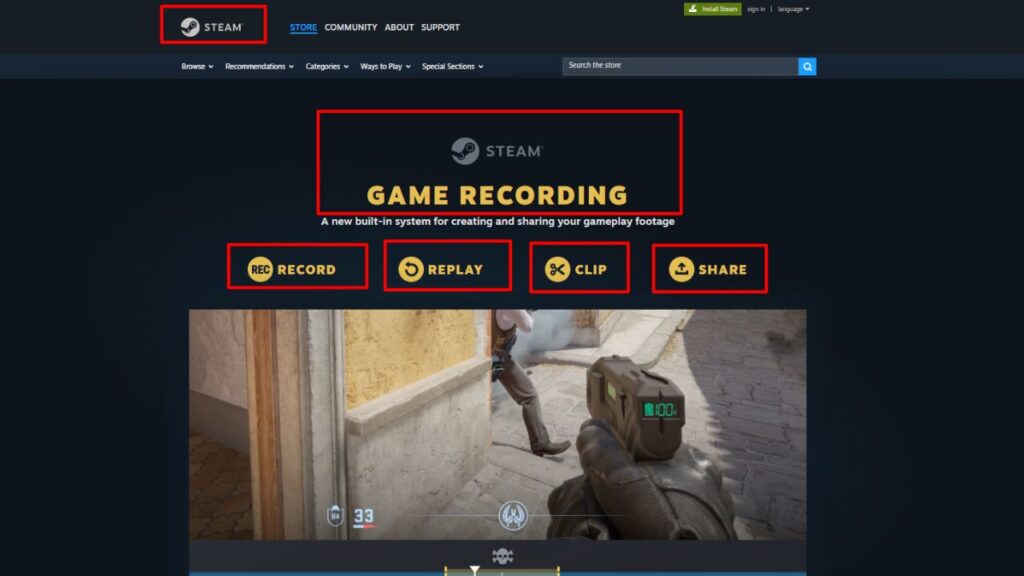
Valve opened this to everyone in late 2024. Turn it on in Settings > Game Recording, and Steam records in the background with a timeline that marks achievements, screenshots, and game events in supported titles.
The best part? It also works on non-Steam games, as long as the Steam overlay runs.
Real flaws:
- It records games only, never your desktop.
- Some older games that block the overlay won’t record.
- Editing is limited to trimming and export.
Who Should Skip This: tutorial makers who need desktop or browser capture.
6. Xbox Game Bar — Best Zero-Setup Recorder
Press Win+G and it’s already there on Windows 10 and 11. Win+Alt+R starts recording, and Win+Alt+G saves the last few moments.
Real flaws:
- Manual recordings stop at 4 hours, and background clips max out at 10 minutes.
- It records one app at a time and refuses the desktop and File Explorer.
Who Should Skip This: anyone planning multi-hour streams or picture-in-picture webcam shots.
7. Bandicam — Best Paid Tool for Long Sessions
Bandicam is simple, light, and great for marathon sessions. The full version records for over 24 hours and splits files by size for easier uploads.
The truth is, the free version is just a demo. Every file gets a “www.BANDICAM.com” watermark and stops at 10 minutes. Personal licenses start at $33.26 per year, or $53.90 for a perpetual license tied to a version.
Real flaws:
- Windows only, with no Mac or Linux build.
- Some buyers complain their older “lifetime” license didn’t cover the next major version.
Who Should Skip This: budget players. OBS does the same job for free.
8. Action! by Mirillis — Best One-Time Purchase
Action! costs $29.95 for a lifetime home license and is often on sale. Its Time Shift feature works like instant replay, and the live FPS counter doubles as a benchmark tool.
Real flaws:
- Commercial use needs a pricier license.
- Some users report capture glitches on newer RTX 50 series cards.
Who Should Skip This: anyone not on Windows, or anyone happy with free tools.
9. Streamlabs Desktop — Best for Streamers Who Also Record
Streamlabs is built on OBS but adds alerts, themes, and widgets out of the box. Recording quality matches OBS because it’s the same engine.
Real flaws:
- Independent tests often show it using roughly 30 to 50 percent more RAM than OBS.
- It needs an account, and features like multistreaming sit behind the Ultra plan, starting at $15.75 per month.
Who Should Skip This: recording-only players on 8 GB or 16 GB systems.
10. Outplayed — Best Free Auto-Highlight Tool
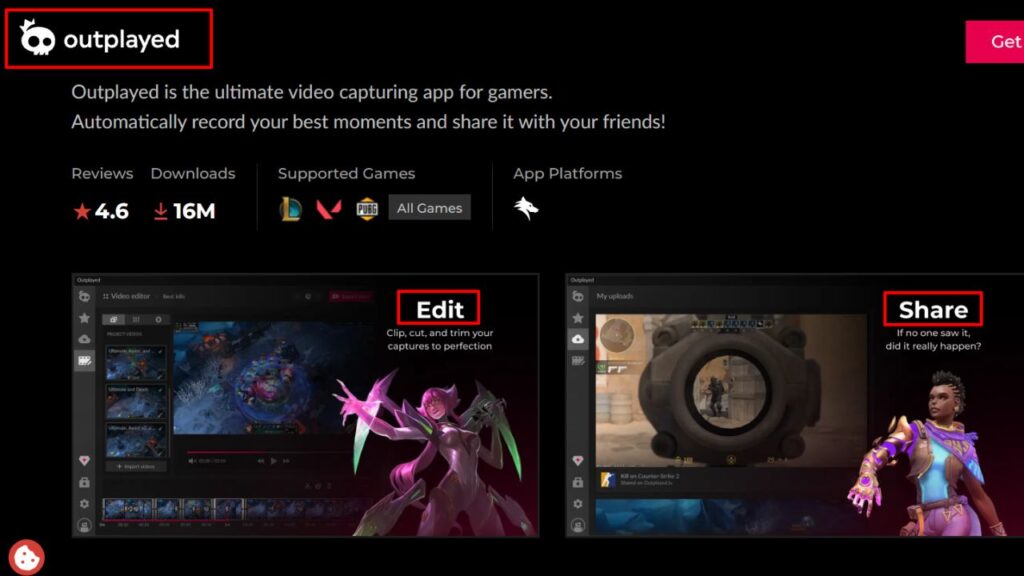
Outplayed runs on Overwolf and captures key moments automatically in supported games. Its Auto-Manager deletes old clips once you hit a storage limit, though favorites stay safe.
Real flaws:
- You must install Overwolf first, which adds another background app.
- The free version shows ads, and event detection only covers select games.
Who Should Skip This: players who hate extra overlays or need full-session recording.
Storage Math: How Much Space Recording Really Takes
That brings us to the biggest mistake people make: recording at max bitrate onto the same nearly full SSD as their games. Any game recording software for PC gamers is only as good as the drive behind it.
|
Bitrate |
Typical Use |
Space Per Hour |
|---|---|---|
|
10 Mbps |
1080p60 clips for Discord |
About 4.5 GB |
|
20 Mbps |
Clean 1080p60 for YouTube |
About 9 GB |
|
50 Mbps |
1440p or 4K60 |
About 22.5 GB |
|
100 Mbps |
4K high frame rate |
About 45 GB |
Quick fix: point recordings to a second SSD with at least 500 GB free.
A 5-Minute Setup That Avoids Lag
- Update your GPU driver first.
- Pick the hardware encoder: NVENC, AMF, or Quick Sync.
- Set instant replay to 2 to 5 minutes, not 20.
- Record at your monitor’s frame rate, or 60 FPS for YouTube.
- Do a 30-second test and check audio before a real match.
Frequently Asked Questions (FAQs)
What is the best free game recording software for PC?
OBS Studio is the best free option overall. If you want one-key clips, use the NVIDIA App or AMD Adrenalin, depending on your graphics card.
Does recording gameplay lower FPS?
Usually only a little when you use a hardware encoder. CPU encoding (x264) can cause much bigger drops on mid-range PCs.
Can I record gameplay without a watermark for free?
Yes. OBS, the NVIDIA app, AMD Adrenalin, Steam, and Xbox Game Bar add no watermark. Bandicam’s free version and Medal’s free downloads do.
How do I record the last 30 seconds of gameplay on PC?
Turn on instant replay in your recorder. On Windows, Win+Alt+G saves the last moments with Xbox Game Bar.
Is NVIDIA ShadowPlay still available?
Yes. It’s now built into the NVIDIA App, and you no longer need to sign in to record.
Final Thoughts
Start free. If you own an RTX or Radeon card, try its built-in recorder for a week before you install anything else. Need scenes, a webcam, or separate audio tracks? Move to OBS. That’s the real answer for most people hunting for game recording software for PC gamers—and it won’t cost you a cent.