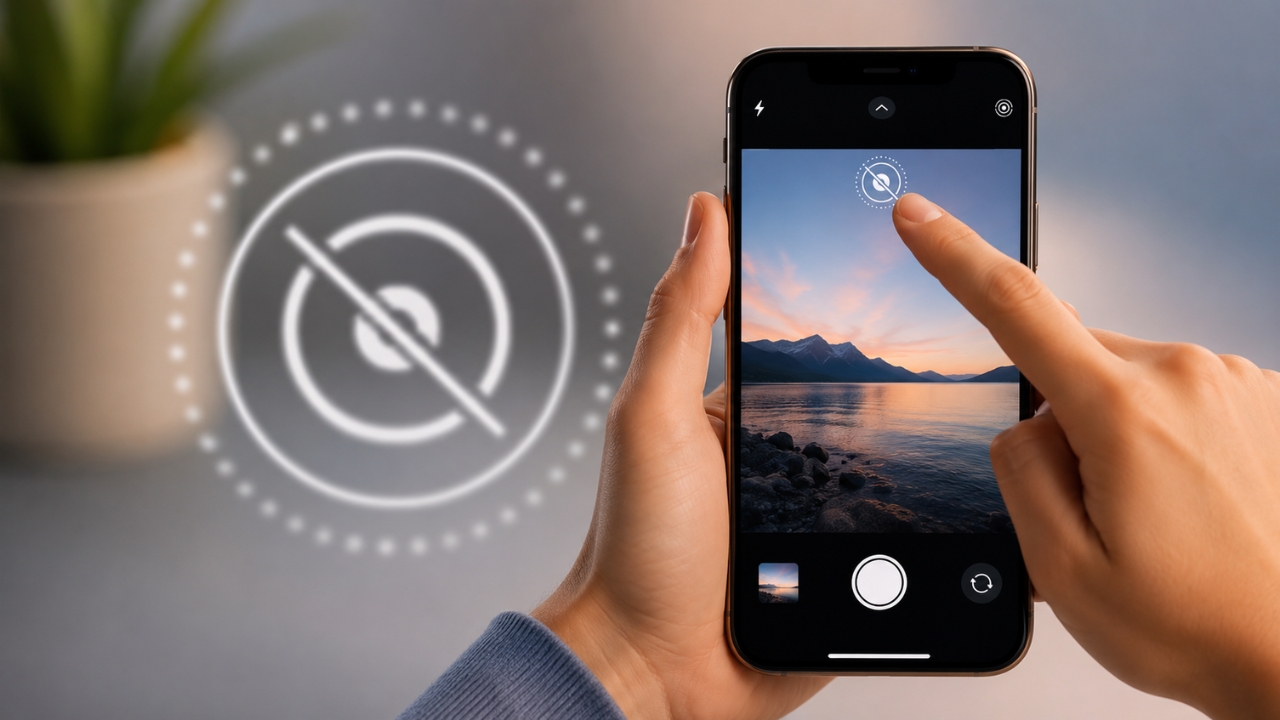
How to Turn Off Live Photos Permanently
Live Photos are great when something interesting is happening. A child laughs. A pet jumps. Someone in a group photo blinks at the wrong moment. … Read more

Live Photos are great when something interesting is happening. A child laughs. A pet jumps. Someone in a group photo blinks at the wrong moment. … Read more
Your iPhone was fully charged when you left home. By lunch, it’s already close to 40%. You haven’t been gaming, filming videos, or using Maps … Read more
Running out of iCloud storage doesn’t mean your iPhone has to go without a backup. You can backup iPhone without iCloud by saving a complete … Read more
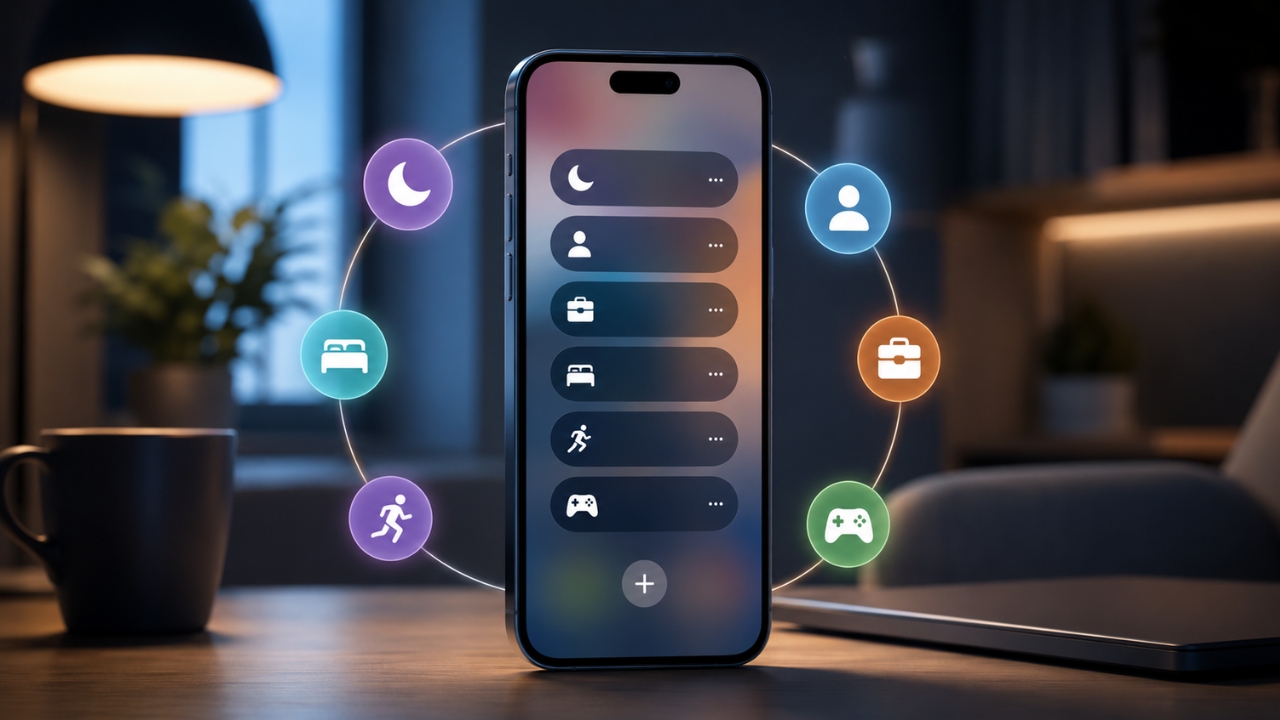
Notifications are useful until every app starts acting as if its latest alert can’t wait. A work message arrives during dinner. A shopping app interrupts … Read more
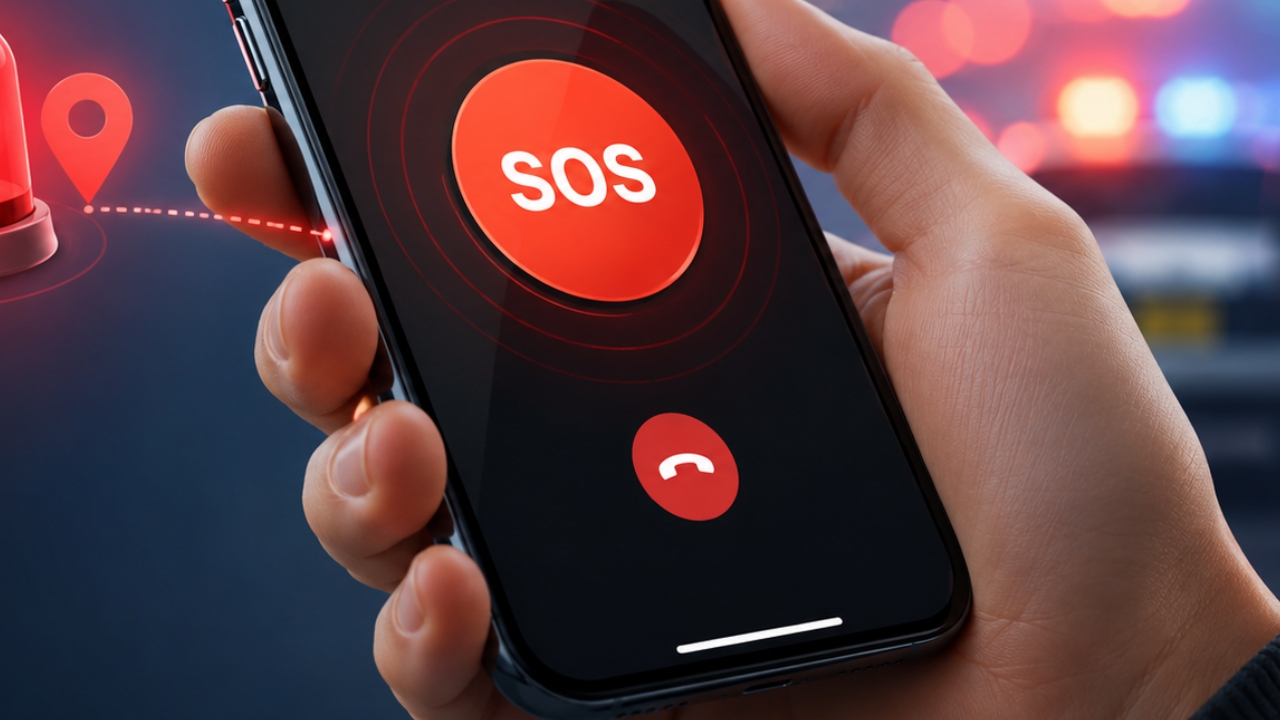
An emergency is the worst time to figure out how your phone works. You might have one free hand. Your screen might be locked. You … Read more
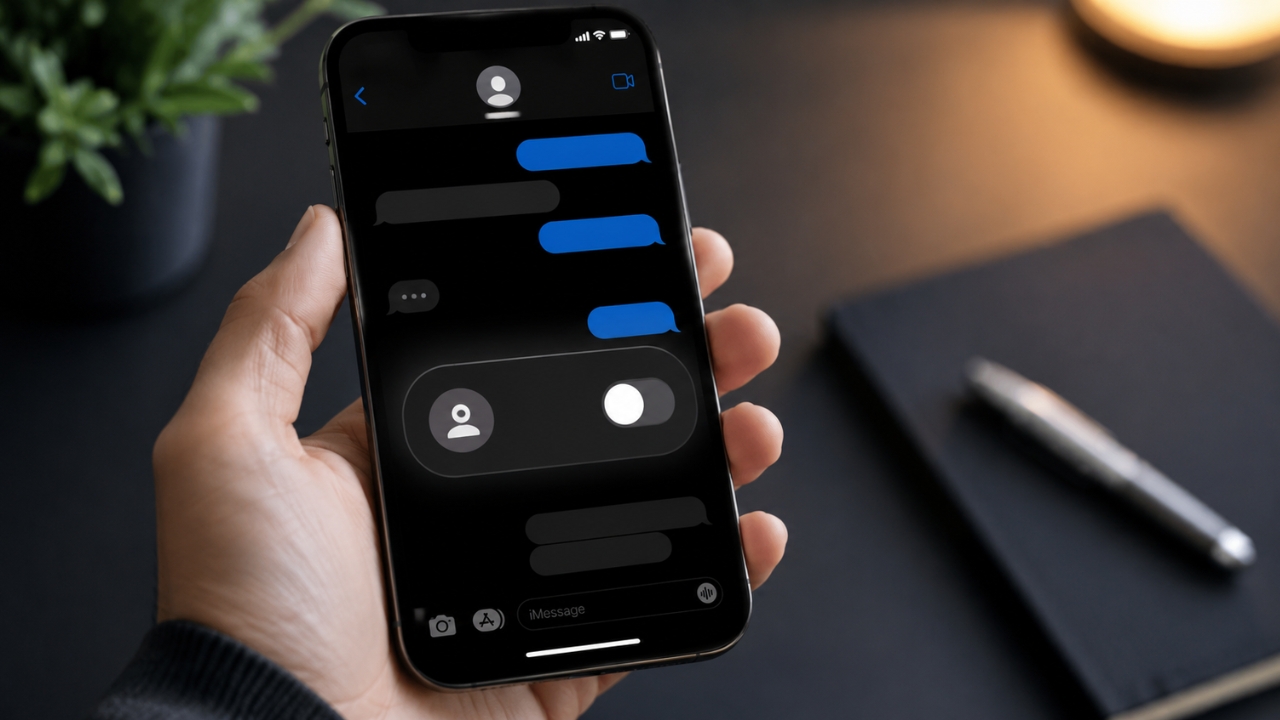
Opening a message doesn’t always mean you’re ready to reply. You might be working, driving, thinking about your answer, or simply not in the mood … Read more
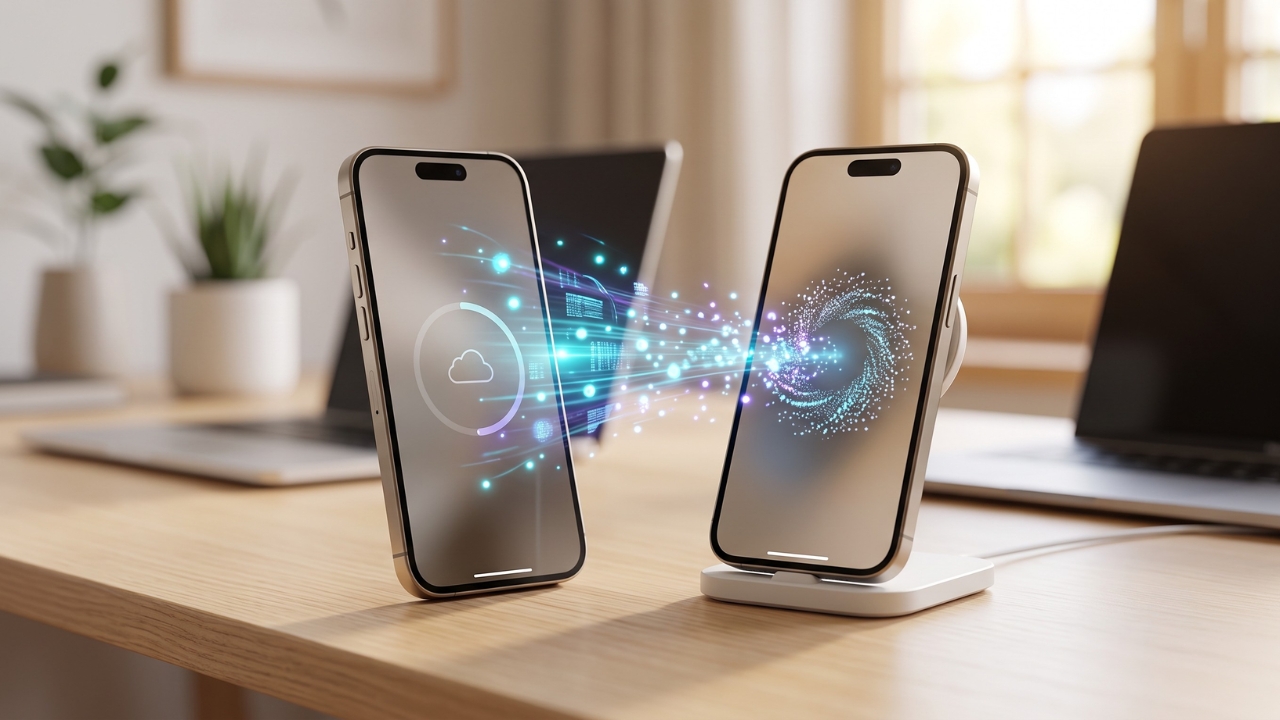
You just ripped the plastic off a brand-new device. Peeling that screen protector feels amazing, but reality sets in ten seconds later. Moving your entire … Read more
Some apps need access to work well. Maps needs your location. A video app needs your camera and microphone. A food delivery app may need … Read more
Deleted an important photo on your iPhone? Take a breath. You may still get it back. If you want to recover deleted photos iphone users … Read more